Comptia on video
SYSCOHADA accounting, step by step.
A tour of the modules, then real demonstrations, from sign-in to the result, on a demonstration dossier (narrated in French). Start with the tour, then follow the order: each video prepares the next.
17
videos
72
minutes in all
 Watch first · 11 min 16Getting started with Comptia: a tour of the modulesEvery module explained: what it is for, how the modules work together, and how to turn them on or off.
 Video 1/16 · 4 min 14From supplier invoice to paymentEnter a supplier invoice, create the supplier from the form, record it in the books, then record its payment.
 Video 2/16 · 3 min 43From customer invoice to receiptIssue a customer invoice from an item, post it, follow its due date and record the receipt.
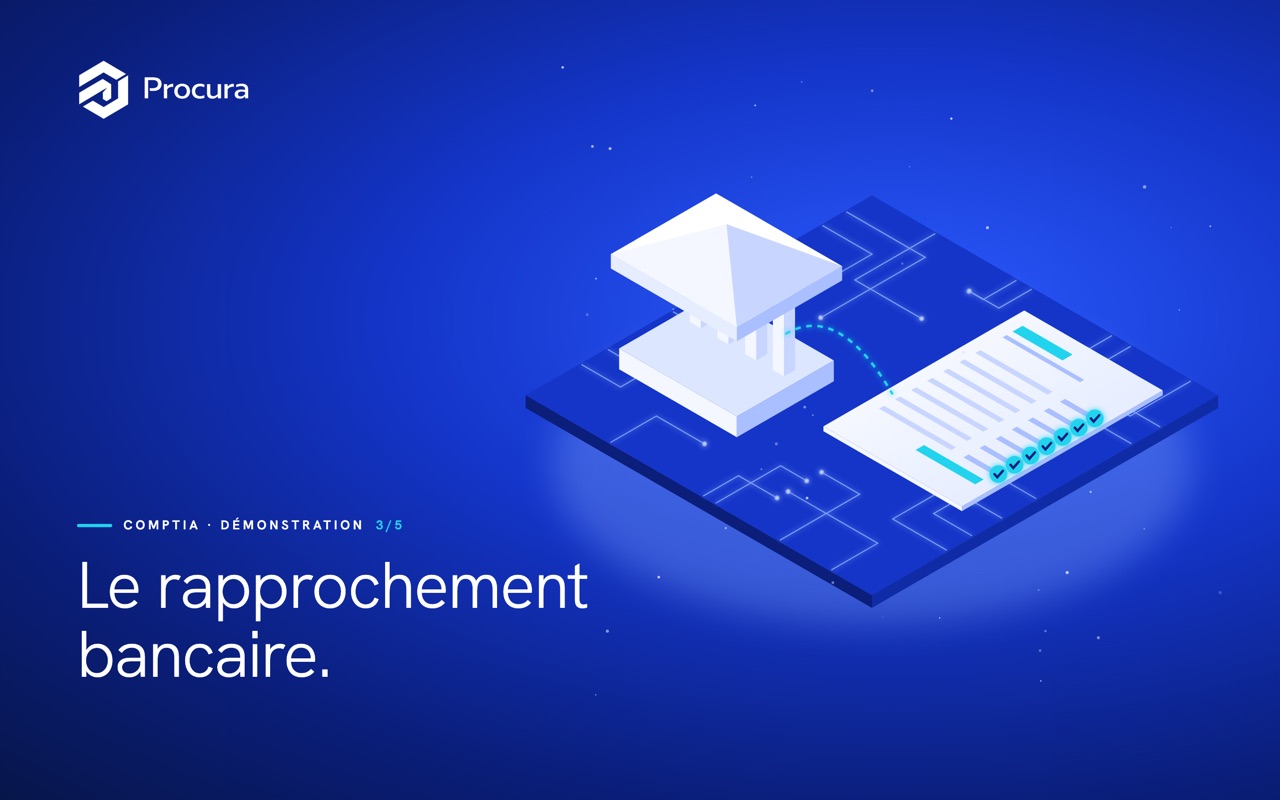 Video 3/16 · 3 min 39Bank reconciliationImport the statement, match each line with its entry, post the bank charges and read the reconciliation statement.
 Video 4/16 · 3 min 09Matching customer and supplier accountsPair invoices and payments: automatic, manual and partial matching, then the review of old balances.
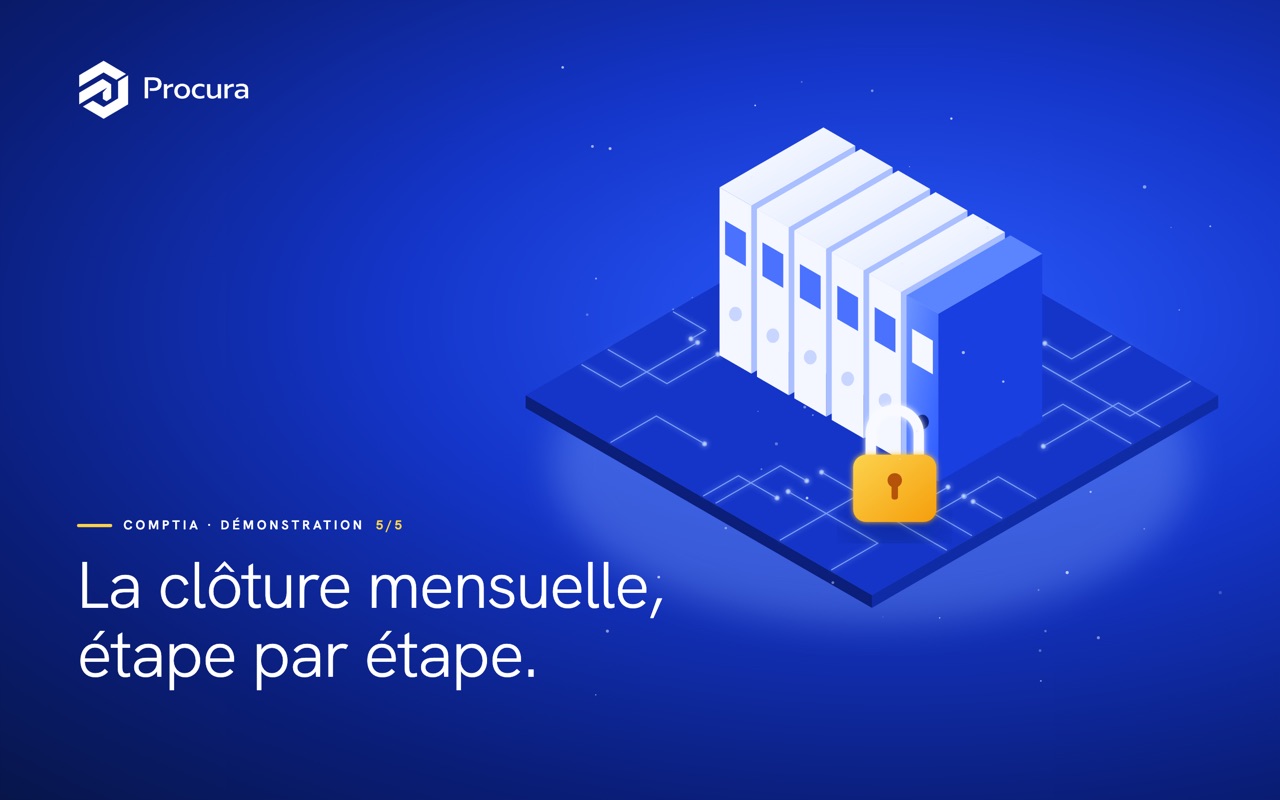 Video 5/16 · 5 min 57The month-end close, step by stepPrepare, check, correct and lock the month, then produce the centralising journal for the accounting firm.
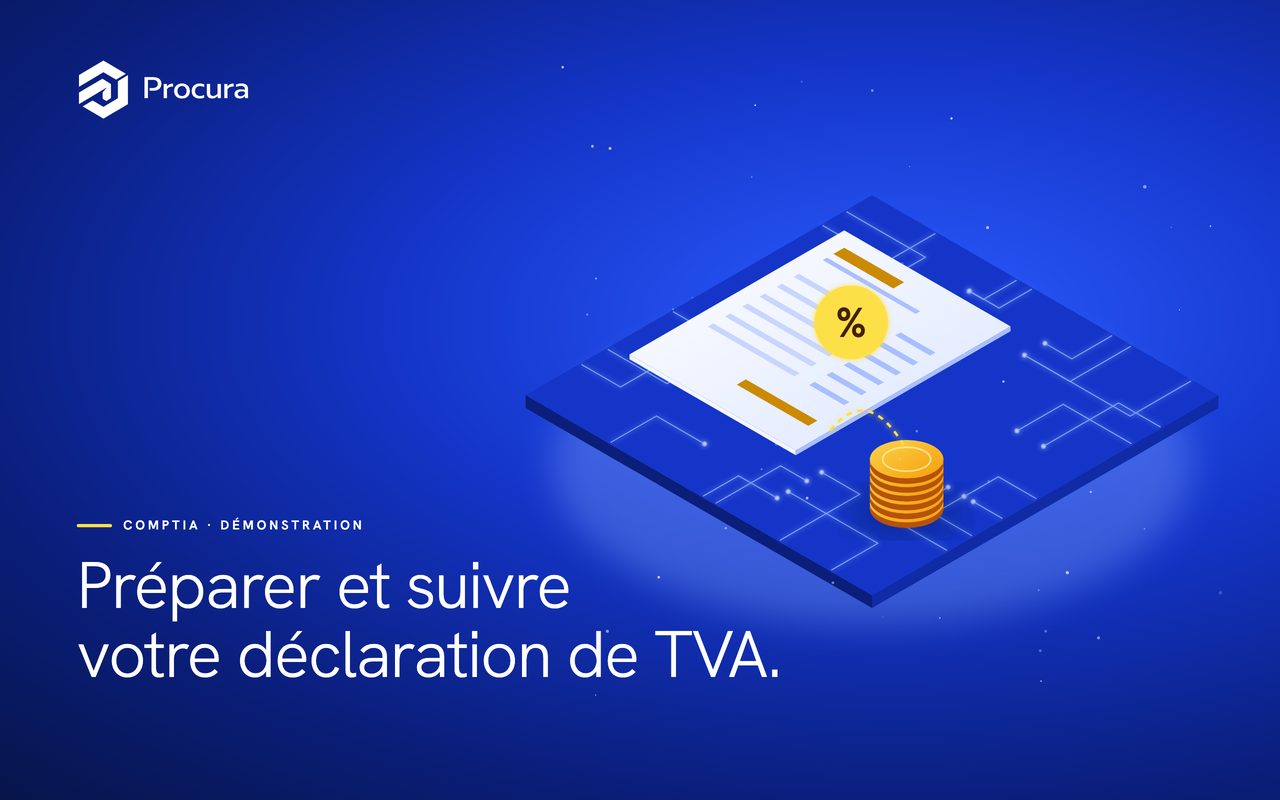 Video 6/16 · 3 min 34Preparing and tracking your VAT returnRead the month's return, check the amounts by partner and in detail, calculate the return and track its filing.
 Video 7/16 · 3 min 35Viewing and exporting your financial statementsThe income statement, balance sheet and cash flow statement in SYSCOHADA format, compared with prior years and exported to PDF or CSV.
 Video 8/16 · 3 min 32Forecasting your cash over 13 weeksYour cash today, expected receipts and payments week by week, the low point to watch and scenarios to simulate.
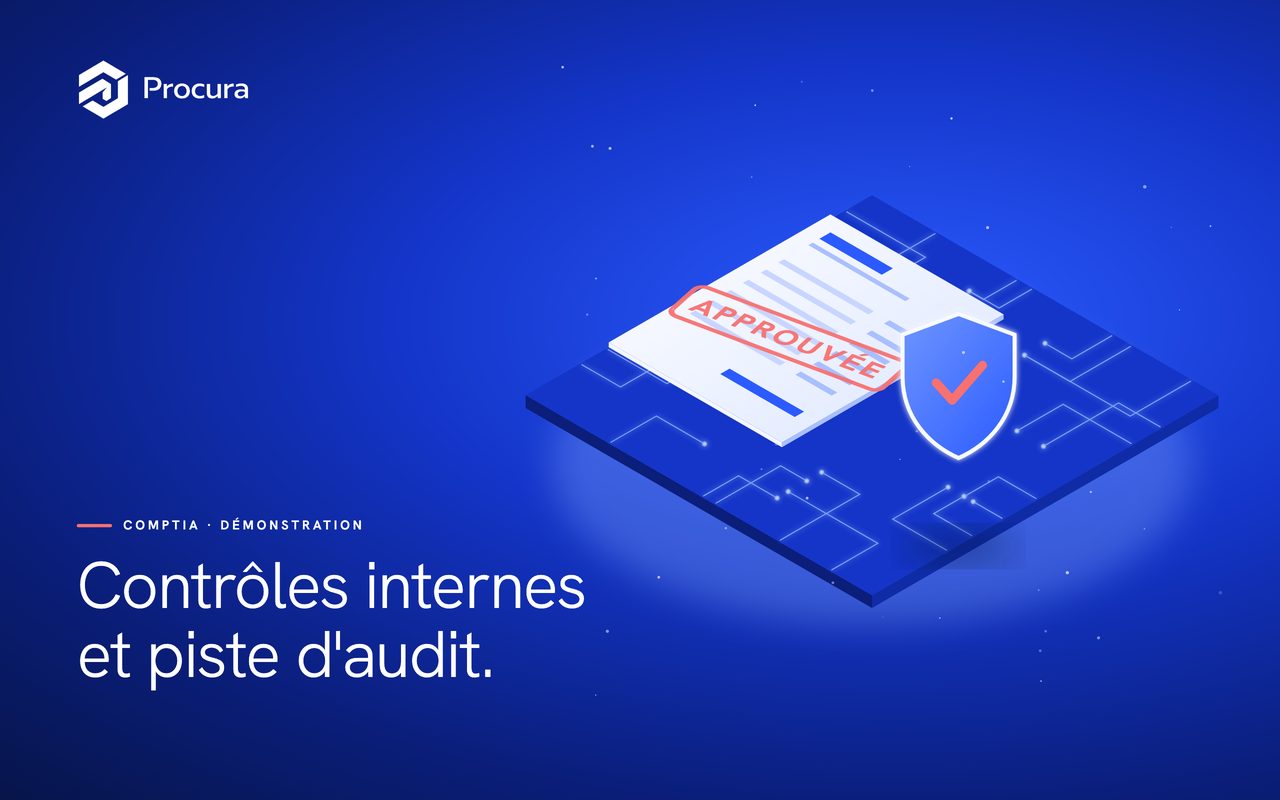 Video 9/16 · 3 min 34Internal controls, approval and audit trailAn entry above the threshold approved by a second person, its supporting documents, a reasoned rejection and the full audit trail.
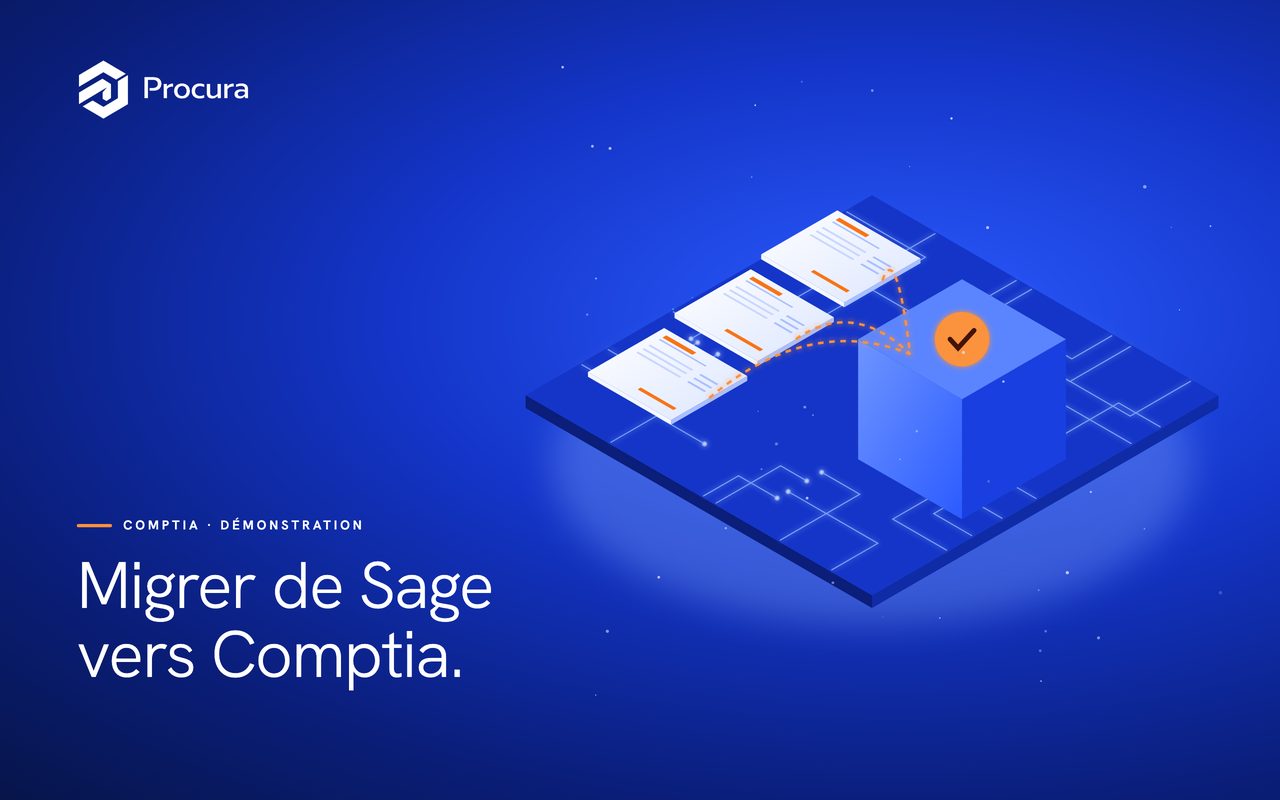 Video 10/16 · 4 min 23Migrating from Sage to ComptiaBring over the chart of accounts, third parties and opening balances exported from Sage, each file checked before import, then verify the trial balance.
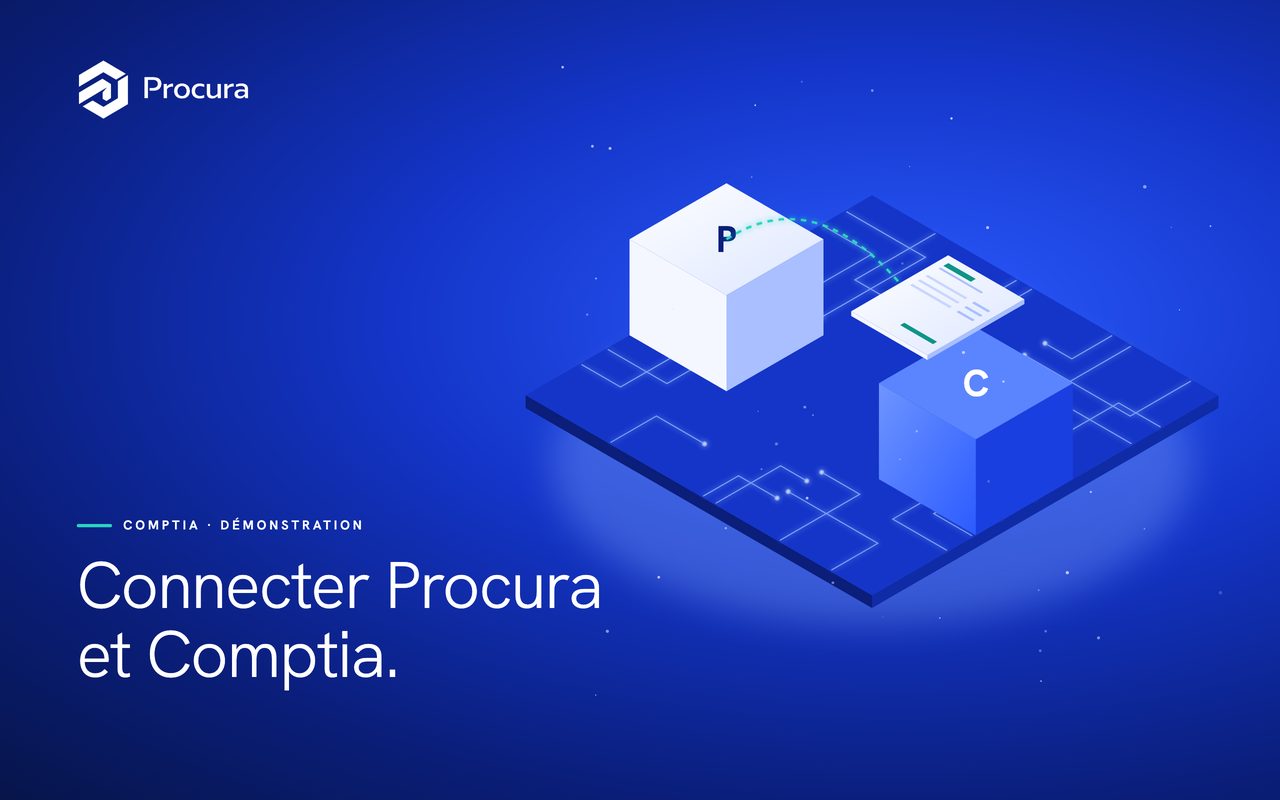 Video 11/16 · 3 min 26Connecting Procura and Comptia: from purchase to the booksLink the Comptia book to Procura, approve a supplier invoice and find the purchase entry created in Comptia, with no double entry.
 Video 12/16 · 3 min 54Running and posting payrollUp-to-date employee records, the month's payslips calculated for Benin or Côte d'Ivoire, checked then approved, and the payroll entry posted.
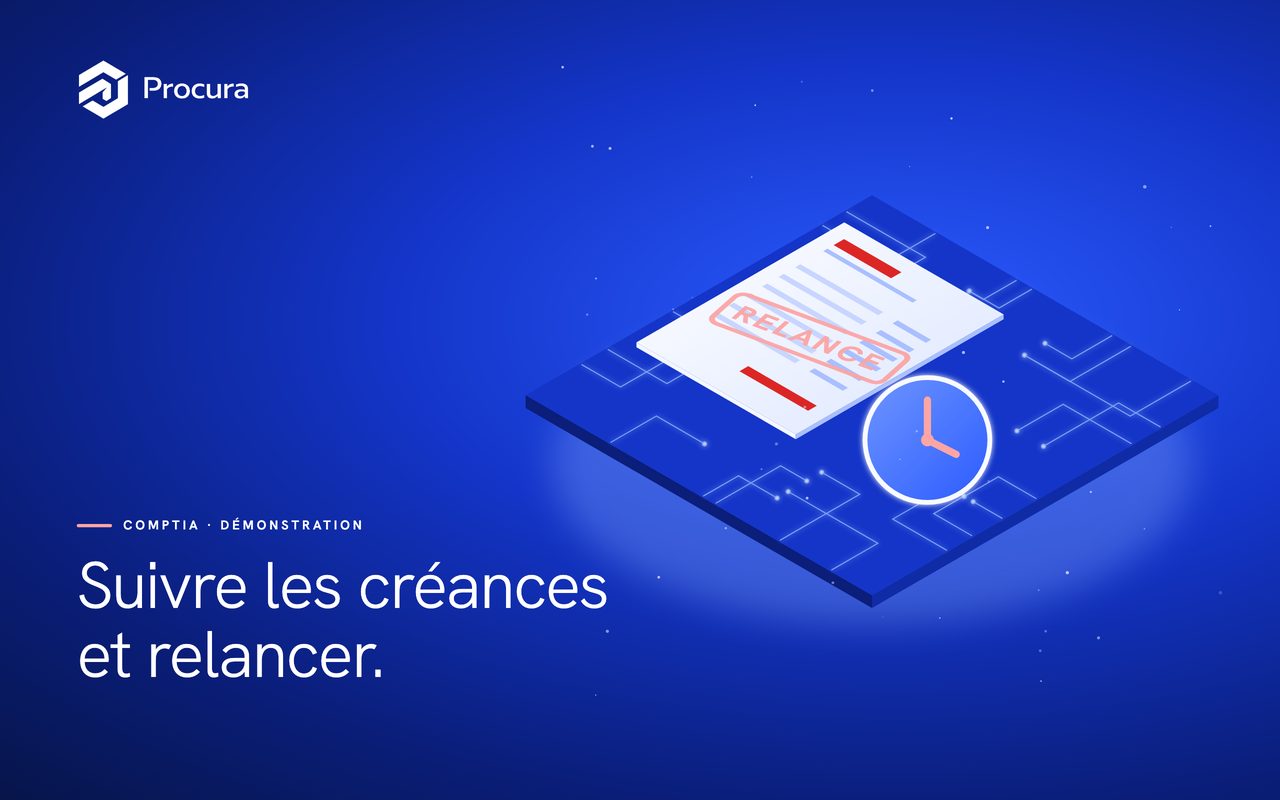 Video 13/16 · 4 min 15Tracking receivables and chasing late payersThe aged balance at a chosen date, the schedule of open items, reminders at the right level with their history, and your customers' payment delays.
 Video 14/16 · 3 min 46Paying suppliers and managing bills of exchangeA grouped payment of due suppliers, submitted for approval and protected against bank-detail fraud, then bills of exchange from creation to bank remittance.
 Video 15/16 · 2 min 55Managing fixed assets and depreciationThe fixed asset register, an asset added with its SYSCOHADA accounts pre-filled, and the month's depreciation calculated and posted.
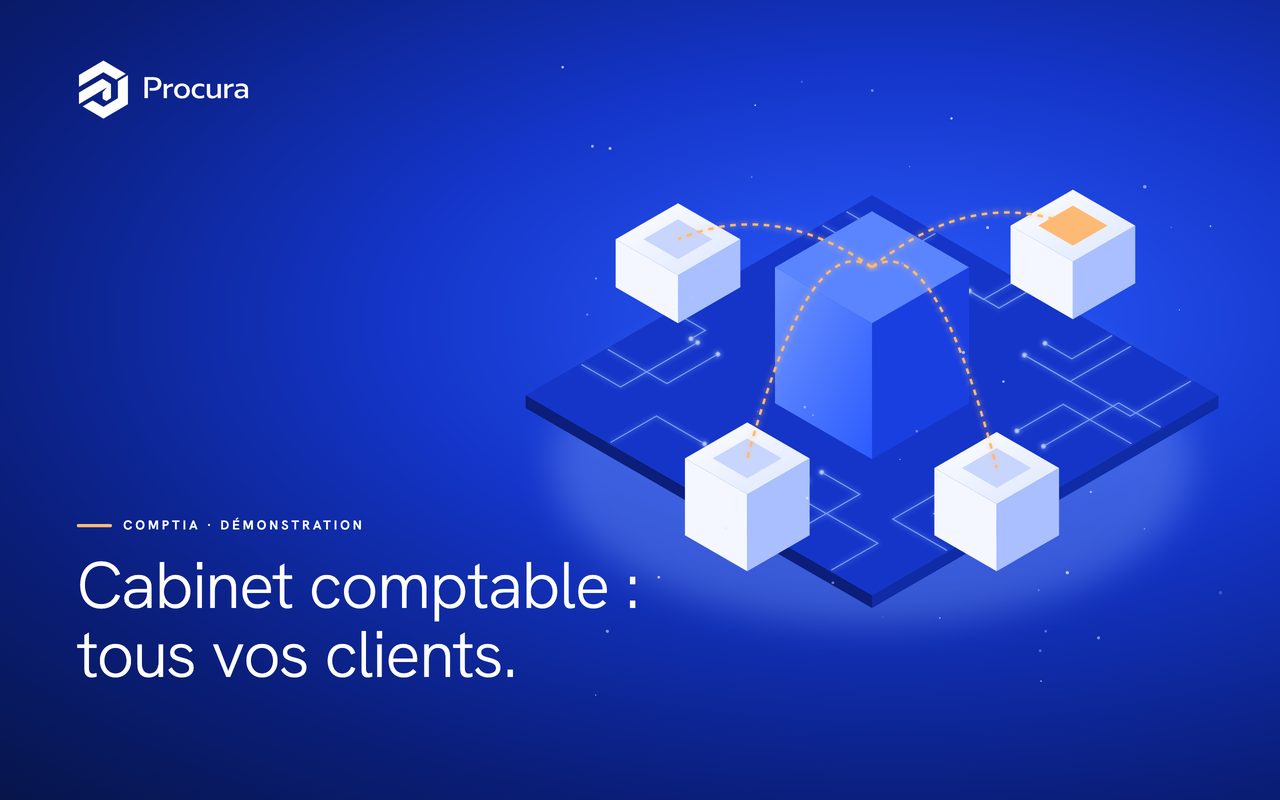 Video 16/16 · 3 min 08Running your clients as an accounting firmThe firm dashboard, a client linked or created with its Comptia book, entering the client's file with every action traced, and the period-close board for the whole portfolio.